UpChansa · Blog
Swap Items Instead of Selling: Exchange on UpChansa
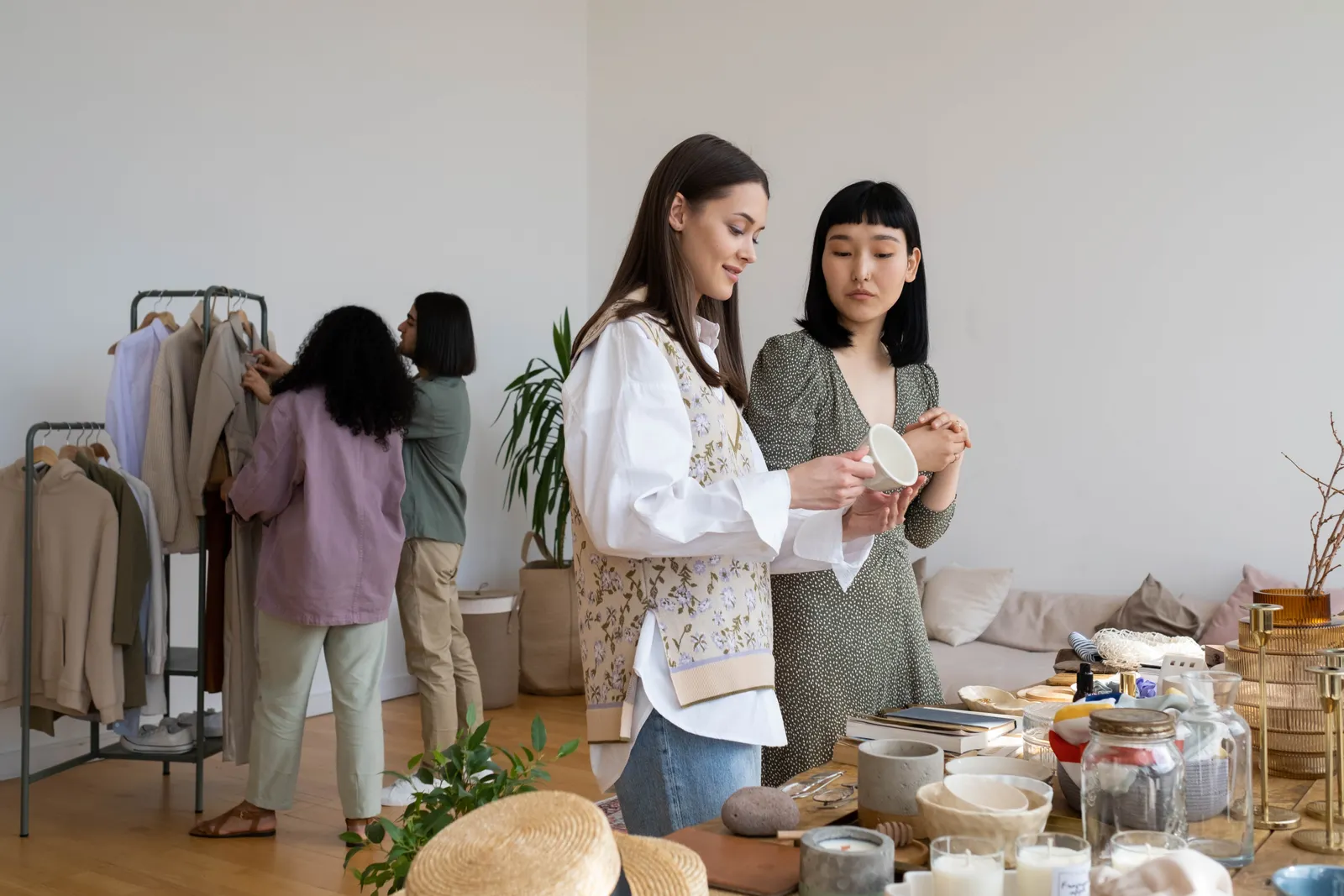
There is almost certainly something in your home you no longer need. A bike your kid outgrew, clothes worn for two seasons, a drill bought for one weekend project, an old phone in a drawer. Those things still have value — just not necessarily the kind of value you want as cash. Very often what you actually want is something else, not money.
That is exactly what an exchange does on UpChansa: you offer one of your items in trade for another member's item, with or without a cash difference.
Why trade instead of sell
- You keep your money. A swap moves value between two people without either one reaching for their wallet.
- Two problems solved at once. You clear something out and get something you need, in a single meetup.
- It unlocks hard-to-sell items. Something nobody wants to pay for is often something somebody will happily trade for.
- It works for anything — clothes, bikes, tools, consoles, phones, furniture, even a car.
And unlike a message lost in the middle of a group feed, an exchange proposal on UpChansa is structured: it points at a real listing, with photos, a description and the member's history behind it.
Seller side: open your listing to exchange
When you post a listing — or edit one you already have — you'll see a checkbox:
- Tick "Open to exchange".
- Fill in "What are you looking for? (optional)" — up to 200 characters, e.g. a bike, an iPhone, tools…
- Save.
Your listing now shows an Exchange badge in the browse grid, and a panel on the item page: "The seller accepts exchange proposals — offer one of your own items." Buyers can also filter browse to show only listings open to exchange.
Leave the box unticked and nobody can propose a trade — you'll only ever receive cash offers. You are never obliged to accept anything either way.
Buyer side: sending an exchange proposal
On a listing that is open to exchange:
- Click Make an offer.
- Switch to the Exchange tab.
- Under What you're offering, pick one of your own active listings. The item you offer has to be listed on UpChansa.
- Choose the Cash top-up: Straight swap, I add cash, or They add cash — plus an amount if it isn't a straight swap.
- Add a message if you like, then Propose exchange.
Why does it have to be a listing? Because the other member needs to see what they're being offered — photos, condition, description. If you don't have one yet, the form links you straight to posting it. That's free and takes a few minutes.
The cash difference, with one example
Say you offer your bike, listed at $150, for a tool set listed at $220. The gap is $70. You pick I add cash and type 70. Your proposal reads: my bike + $70 for your tool set.
Flip it around — your $220 tool set for their $150 bike — and you'd pick They add cash instead.
If the two items are worth about the same, choose Straight swap and no money changes hands at all.
The cash is settled directly between the two of you, in person, exactly like any other sale on UpChansa. The platform never touches the payment.
Accept, counter, or decline
Both sides manage everything from My offers in the dashboard. The seller can Accept, Counter or Decline; the proposer can Withdraw.
On an exchange, a counter changes the cash difference, not the offered item. "Your bike for my tools, yes — but make it $100 instead of $70."
The moment a proposal is accepted, both items are marked "Exchanged" and come off browse, and any other pending offers on either item are declined automatically.
If it falls through, either party clicks "Exchange didn't go through" and both listings go back online exactly as they were. Nothing is lost.
Free and donation listings
Tick "Free / donation" on a listing and the price becomes 0 — the listing shows "Free" instead of a number. Cash offers are switched off (they'd make no sense), but exchange proposals still work if you also opened the listing to trades.
Perfect for furniture you need gone before a move, kids' clothes, leftover building materials — anything you'd rather give away than throw out.
Exchanging safely
Meet in a public place, inspect both items before you exchange, and never ship first.
- Pick a busy public spot in daylight — many police stations have a marked exchange zone.
- Bring someone with you for bigger items.
- Try or test both items on the spot, before anything changes hands.
- If there's a cash difference, count it before you part ways.
- You are never obliged to complete a trade. If it feels off, walk away.
It's free — no fee on exchanges
Posting is free, exchanging is free, and UpChansa takes no commission. The only paid options on the whole site are making a listing featured or bumping it back to the top, and both are entirely optional.
Ready to trade?
Take a look at what you're no longer using, post it, tick Open to exchange, and say what you're after.
Live in Ottawa or Gatineau? See everything you can buy, sell, swap or give away across Ottawa-Gatineau.
Post a listing · Step-by-step: Exchange an item · More questions: FAQ 🔁